
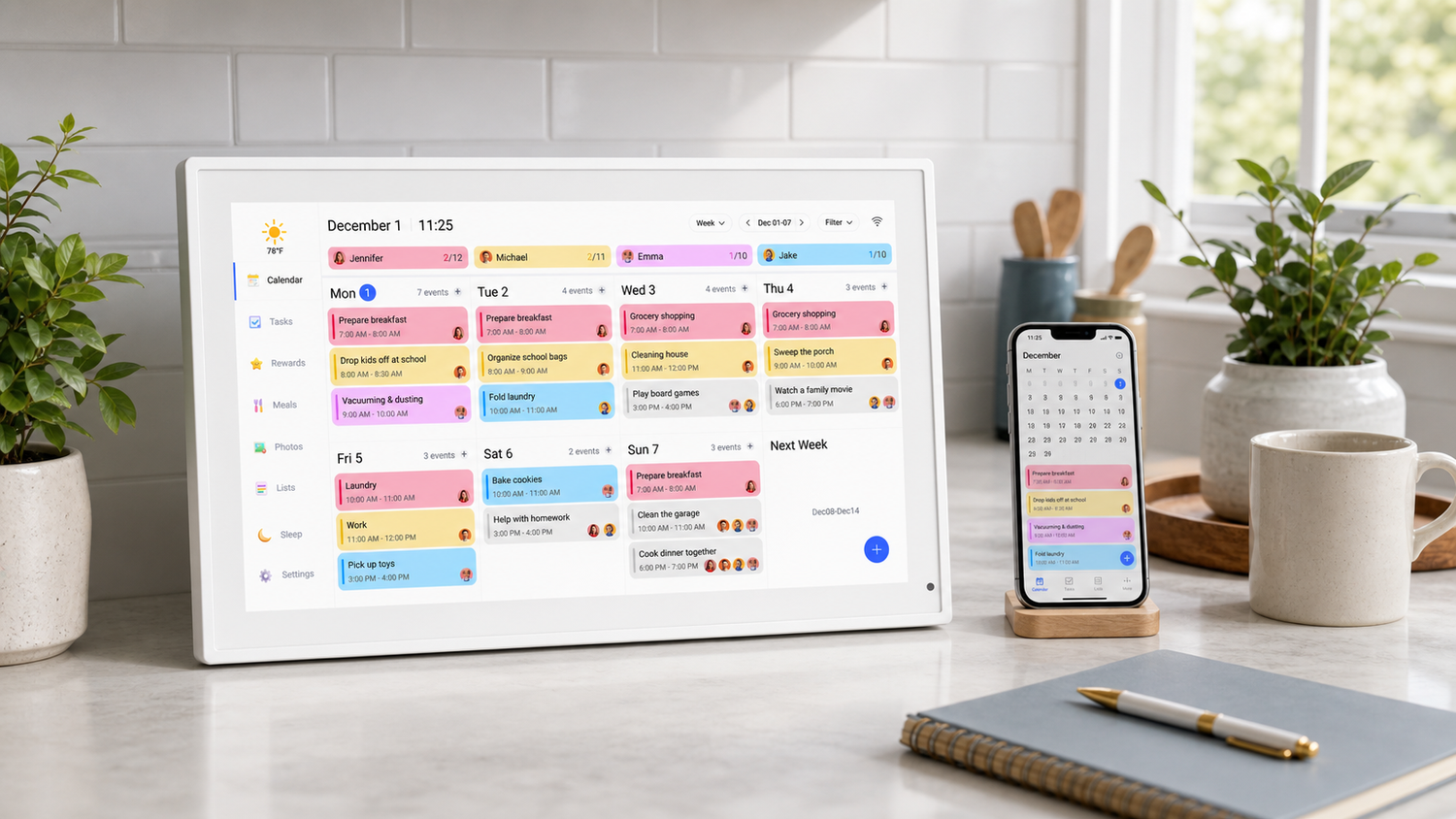
If your family uses iPhones, the calendar already lives in your pocket. The problem is that a phone calendar is still easy to miss when the whole household needs the same schedule.
A digital calendar that syncs with iPhone can solve that by putting iCloud events on a shared screen at home. Before buying one, it helps to know what sync can and cannot do.
Why iPhone sync matters
Families change plans constantly. A parent adds a doctor appointment. A school event moves. Practice gets canceled. If the wall calendar does not sync, someone has to update it by hand.
iPhone or iCloud sync keeps the home display connected to the calendar your family already uses. That saves time and reduces mistakes.
Check iCloud support before buying
Do not assume every digital wall calendar works smoothly with iPhone. Look for clear product information about iCloud Calendar support or mobile app setup.
The goal is simple: events from your iPhone should appear on the shared screen without rebuilding your schedule from scratch.
Think about who needs to see the schedule
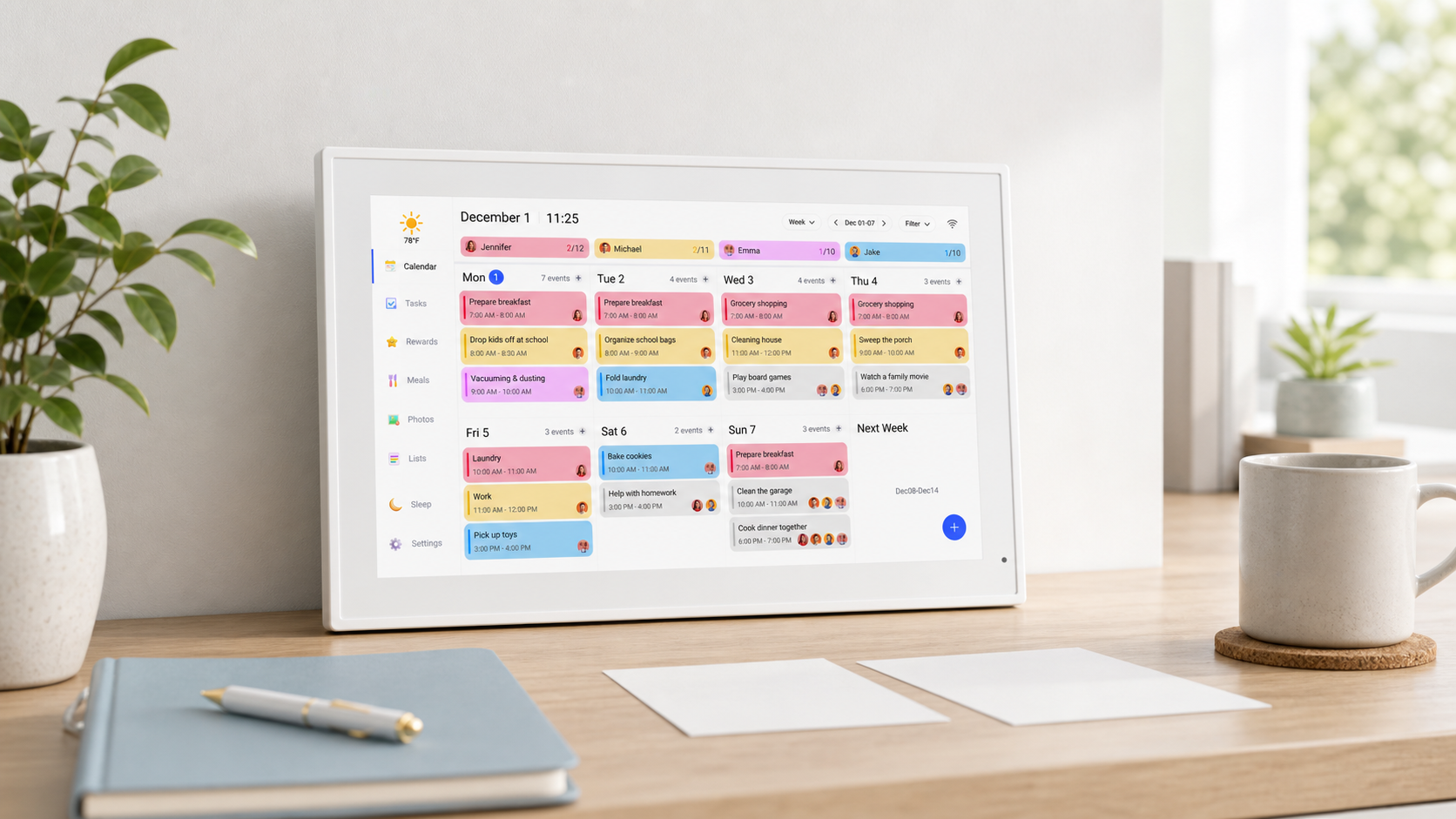
iPhone sync is useful, but the screen is what makes the calendar a family tool. Put the display somewhere everyone can check it, not just the person who manages the account.
For many homes, that means the kitchen, hallway, or entryway. The calendar should show up in the normal flow of the day.
Do you still need Google Calendar?
Not necessarily. Some families use iCloud, some use Google Calendar, and some use both. The best digital family calendar is one that fits the tools your household already uses.
If your family has mixed devices, check support for both iCloud and Google Calendar before buying.
No subscription can be a real advantage
A sync-capable digital calendar does not have to come with monthly fees. The Dragon Touch Digital Calendar supports family scheduling and shared home visibility without requiring a monthly subscription for core features.
That matters if you want the calendar to be a long-term household tool rather than another recurring expense.
What families should look for
- Support for iCloud or iPhone calendar sync
- A visible wall-friendly screen
- Easy setup from a mobile device
- Shared schedule viewing for the household
- No monthly subscription requirement for core scheduling
Frequently asked questions
Can a digital calendar sync with iPhone?
Yes. Some digital calendars can connect with iCloud or iPhone calendar accounts so events appear on a shared screen.
Why use a wall calendar if I already have an iPhone?
A phone calendar works well for one person. A wall calendar helps the whole family see the same schedule without checking someone else phone.
Does Dragon Touch require a monthly subscription?
No. Dragon Touch Digital Calendar does not require a monthly subscription for core family scheduling and organization features.
Where should I place an iPhone-syncing digital calendar?
Choose a common area where the household naturally passes by, such as the kitchen, entryway, hallway, or family room.
If your family already uses iPhone calendars and wants a shared display at home, the Dragon Touch Digital Calendar is worth reviewing.

Leave a comment
This site is protected by hCaptcha and the hCaptcha Privacy Policy and Terms of Service apply.