
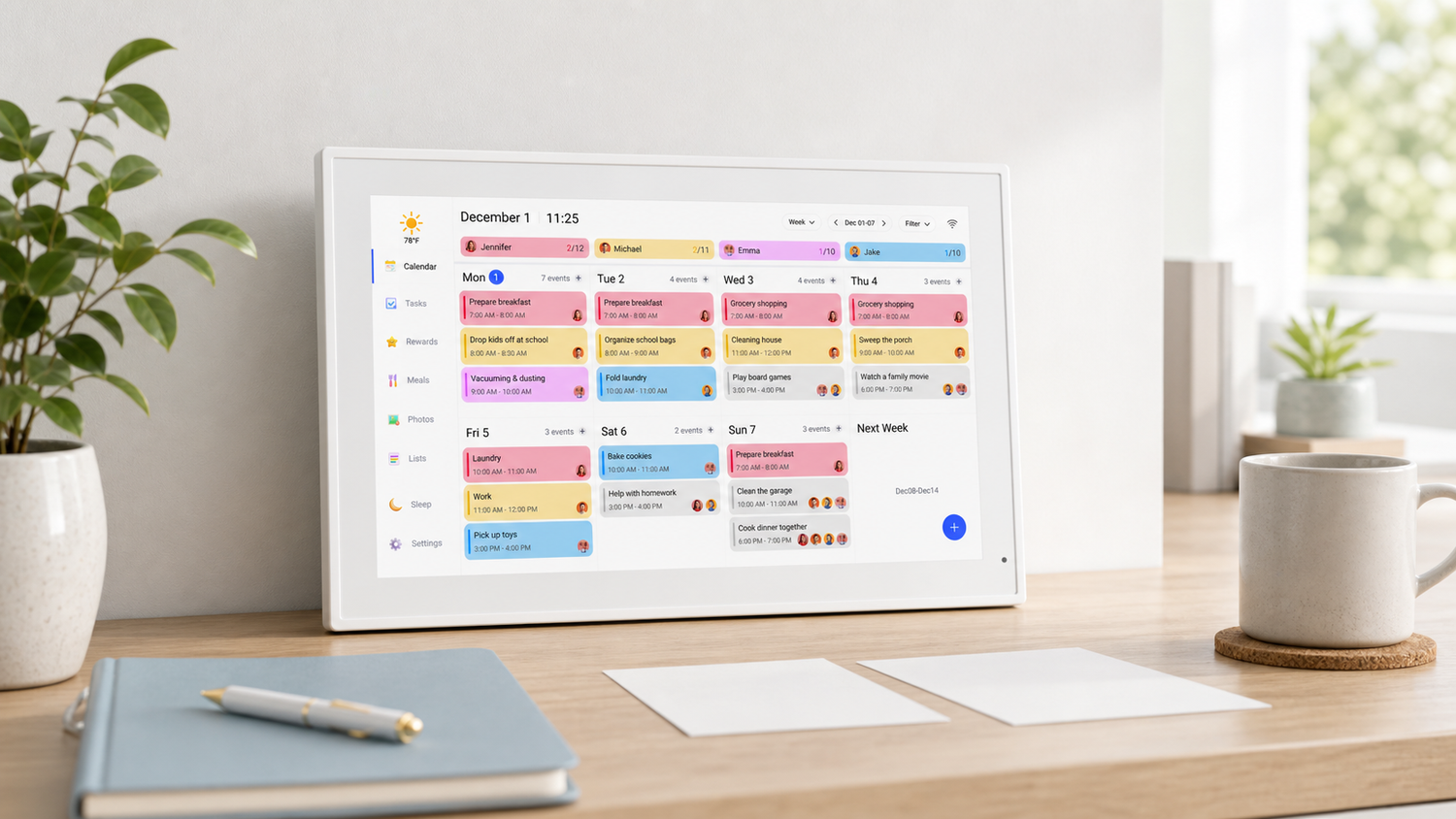
People use the phrases smart calendar, electronic calendar, and digital calendar almost interchangeably. Search results do the same. But the terms can point to slightly different products, and the difference matters when you are buying one for a home.
The short version: a smart calendar usually connects to apps or online accounts, while an electronic calendar may simply display dates or schedules. A digital family calendar sits between those ideas, built for shared household use.
What is a smart calendar?
A smart calendar connects to other tools. It may sync with Google Calendar, iCloud, mobile apps, reminders, or shared accounts. The point is that the screen does not sit alone. It updates as your schedule changes.
For a family, that connection is important. Plans move around constantly, and nobody wants to update the same event in three different places.
What is an electronic calendar?
An electronic calendar is a broader phrase. It can mean a simple digital date display, an app, a desktop calendar, or a wall screen. Some electronic calendars are smart. Others are not.
If you are shopping, do not rely on the term alone. Check whether the product can sync with the tools your household already uses.
What is a digital family calendar?
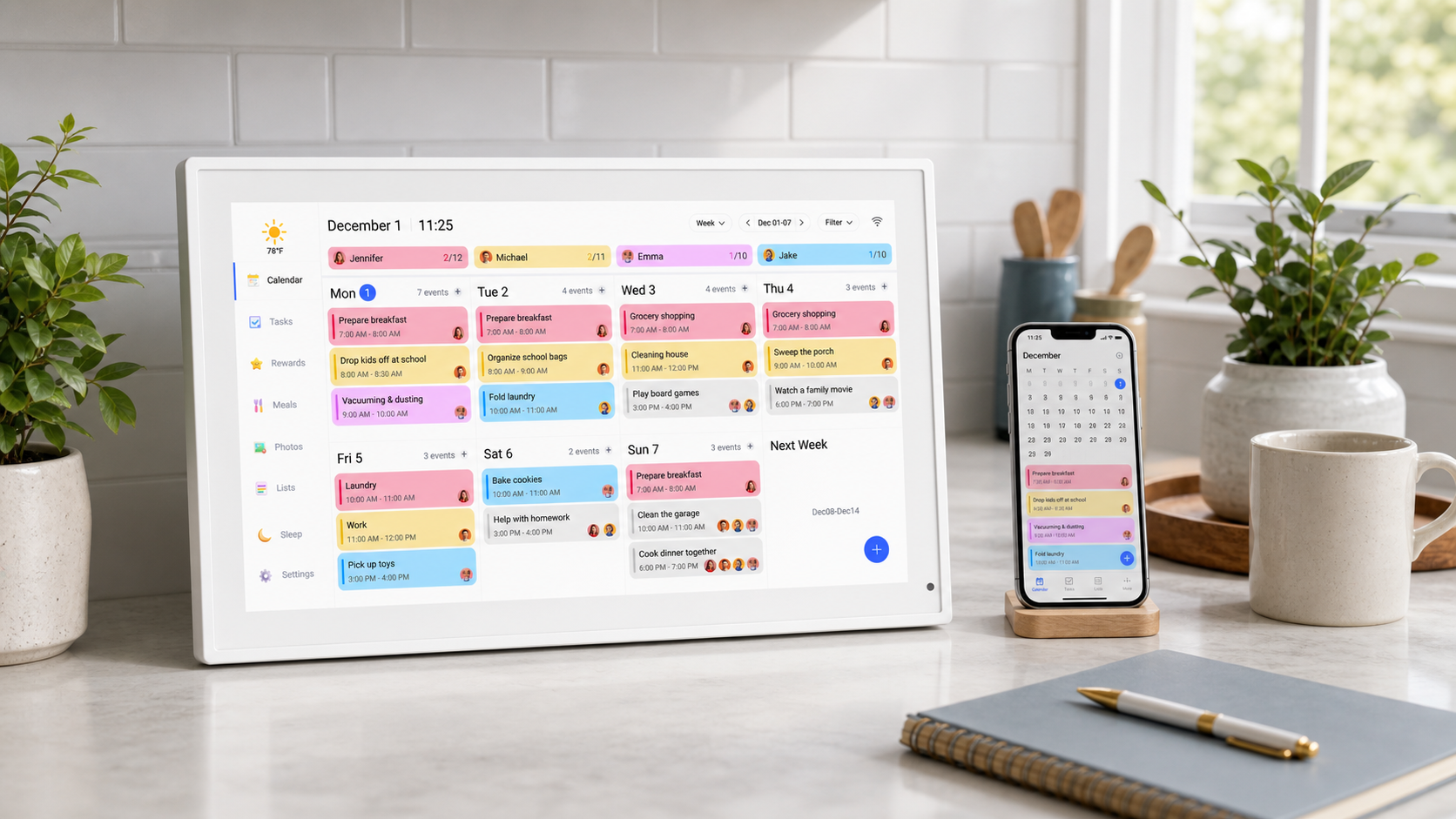
A digital family calendar is designed for shared home scheduling. It gives the household one visible place for events, reminders, chores, and routines.
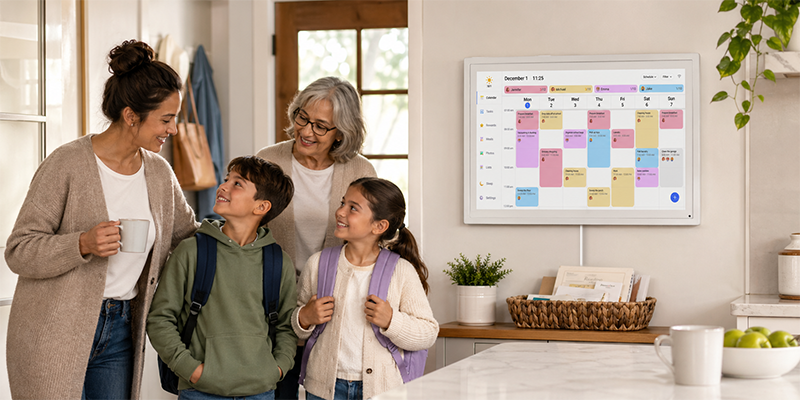
That shared screen is the main difference. A phone calendar helps one person. A family calendar helps everyone see the same plan.
Which one should a family choose?
Most families should look for a smart digital calendar with a wall-friendly screen. That gives you sync from existing accounts plus a visible display at home.
The Dragon Touch Digital Calendar fits this use case because it supports family scheduling and wall visibility without requiring monthly subscription fees for core features.
Features that matter more than the label
- Calendar sync with Google Calendar or iCloud
- A screen large enough for shared viewing
- Support for routines, reminders, or chores
- No monthly subscription requirement for core use
- Simple setup that does not turn into another household chore
The label can help you search. The features decide whether the product will actually help.
How to avoid buying the wrong calendar
Read the product details carefully. Look for sync support, subscription requirements, screen size, and placement options. If you want a family calendar, make sure it is designed for shared visibility, not just personal planning.
A smart feature list is less important than a calendar your family will check every day.
Frequently asked questions
Is a smart calendar the same as a digital calendar?
Not always. A smart calendar usually connects to apps or online accounts. A digital calendar may or may not include those connected features.
What is an electronic calendar?
An electronic calendar is any calendar shown on an electronic device or screen. It can range from a simple date display to a connected family scheduling system.
Does a smart calendar need a subscription?
Some do, but not all. Dragon Touch Digital Calendar does not require a monthly subscription for core scheduling features.
What type of calendar is best for a family?
A shared digital wall calendar is usually best for families because everyone can see the same schedule in a common space.
If you want a smart calendar that works as a shared home display, the Digital Calendar collection is built for that kind of everyday use.

Leave a comment
This site is protected by hCaptcha and the hCaptcha Privacy Policy and Terms of Service apply.