
Comparing Two Popular Digital Family Calendars
When you are shopping for a digital family calendar, two names often come up: Dragon Touch and Skylight. Both offer wall-mounted screens designed to help households stay organized. But they take different approaches to features, pricing, and usability. Here is a straightforward comparison to help you decide which fits your family better.
Dragon Touch Digital Calendar: Overview
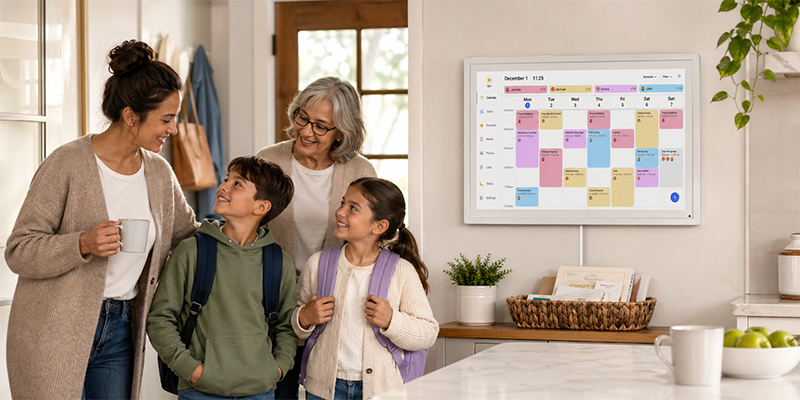
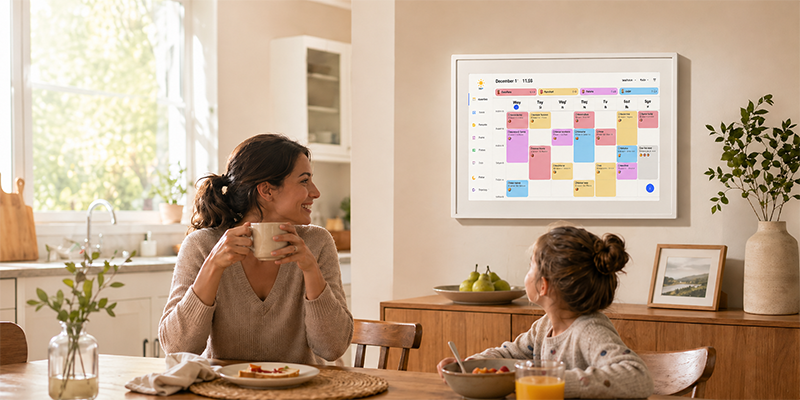
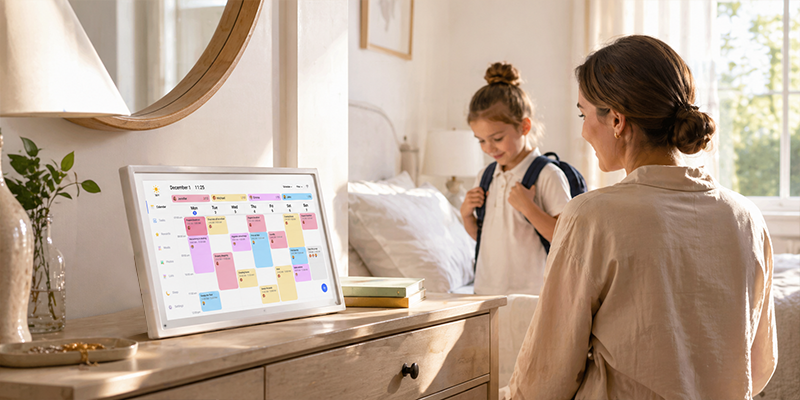
The Dragon Touch Digital Calendar is designed as a shared screen that displays schedules, reminders, and photos in one visible place. It connects to your existing Google Calendar or iCloud account, so events from your phone automatically sync to the screen. The main selling point is simple: no monthly subscription required.
Key features include:
- Shared family scheduling: Multiple family members can add and view events.
- Wall-mounted visibility: A central screen that everyone in the house can check.
- Photo display: Recent photos can appear on the screen.
- Task and chore support: Reminders and daily routines stay visible.
- One-time purchase: No monthly subscription fees for core features.
Skylight Calendar: Overview
Skylight is another popular option in the digital calendar space. It also offers a wall-mounted screen for shared family scheduling. Skylight positions itself as a premium experience with a focus on design, app integration, and additional features. Many of its advanced functions and storage options require a subscription plan.
Key Differences
When comparing Dragon Touch vs Skylight, here are the most important differences:
- Subscription model: Dragon Touch does not require a monthly subscription for core features. Skylight often charges for advanced features, cloud storage, and premium sync capabilities.
- Pricing approach: Dragon Touch is positioned as a one-time purchase solution. Skylight follows a model where the upfront hardware cost is lower, but ongoing fees add up over time.
- Feature focus: Dragon Touch emphasizes practical, everyday scheduling without recurring costs. Skylight offers more bells and whistles for users who want premium features.
Which Fits Your Family Better?
The right choice depends on what your family actually needs:
Choose Dragon Touch if:
- You want to avoid monthly subscription fees.
- Your family needs basic shared scheduling and reminders.
- You already use Google Calendar or iCloud and want a simple wall display.
- You prefer paying once for a long-term solution.
Consider Skylight if:
- You want advanced features that are not available elsewhere.
- You are comfortable paying monthly for premium capabilities.
- Your household benefits from cloud storage and additional app integrations.
Why Families Choose Dragon Touch
Many families opt for the Dragon Touch Digital Calendar because it delivers the core benefits of a shared digital calendar without the friction of recurring bills. It is a practical choice for households that want organization, visibility, and simplicity.
Frequently Asked Questions
Which is better: Dragon Touch or Skylight?
Neither is universally better it depends on your needs. If you want core family scheduling without monthly fees, Dragon Touch is a strong fit. If you value premium features and do not mind subscriptions, Skylight may appeal to you.
Does Dragon Touch have all the features of Skylight?
Dragon Touch focuses on essential family calendar features: shared scheduling, sync with existing calendars, photo display, and task reminders. It does not include every premium feature that Skylight offers, but it covers what most families need.
Can I switch from Skylight to Dragon Touch?
Yes. Since both connect to Google Calendar or iCloud, you can switch without losing your existing event data. The main change is the hardware and the subscription model.
Is Dragon Touch harder to set up than Skylight?
Both are designed for straightforward setup. The process involves connecting the screen to WiFi, linking your calendar accounts, and positioning the device. Neither requires advanced technical skills.
If you are comparing Dragon Touch vs Skylight and want to avoid ongoing subscription costs while still getting a functional family calendar, the Dragon Touch Digital Calendar is worth a close look.
For a broader look at Dragon Touch calendar options, visit the Digital Calendar collection.

Leave a comment
This site is protected by hCaptcha and the hCaptcha Privacy Policy and Terms of Service apply.