
Choosing a Digital Wall Calendar for 2026
If you are in the market for a digital wall calendar in 2026, two options stand out: Skylight and Dragon Touch. Both offer wall-mounted screens designed to help families stay organized. But they take different approaches to features, pricing, and value. Here is a direct comparison to help you choose the best digital wall calendar for your household.
Skylight Calendar: What It Offers
Skylight is a well-known brand in the digital calendar space. It provides a wall-mounted screen that displays family schedules, reminders, and photos. Skylight positions itself as a premium experience with polished design, app integration, and advanced features. Many of these premium capabilities such as cloud storage, enhanced sync, and additional integrations require a monthly subscription.
Dragon Touch Digital Calendar: What It Offers
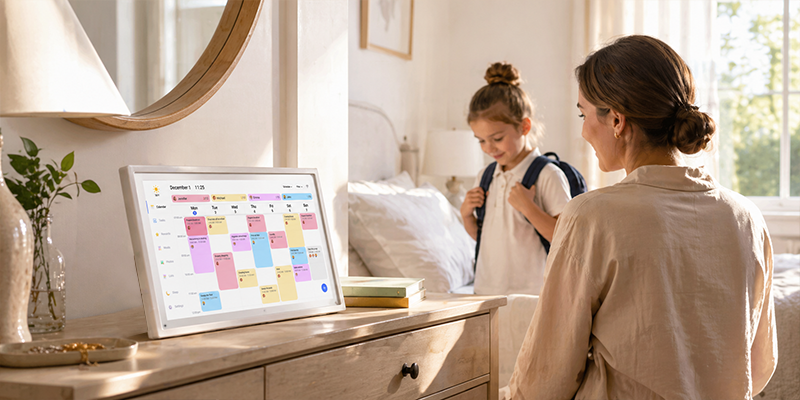
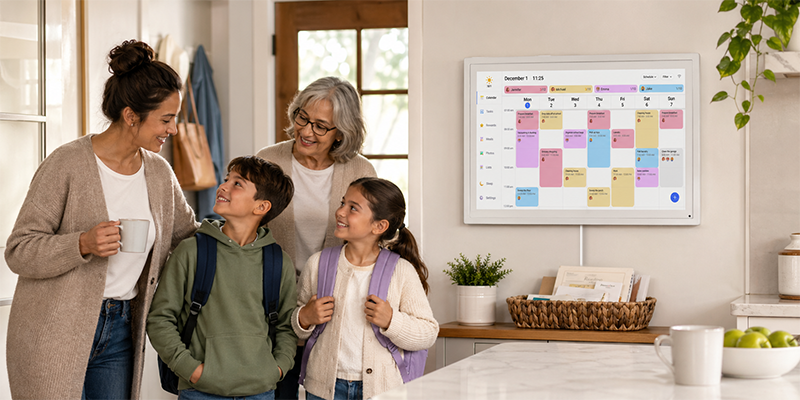
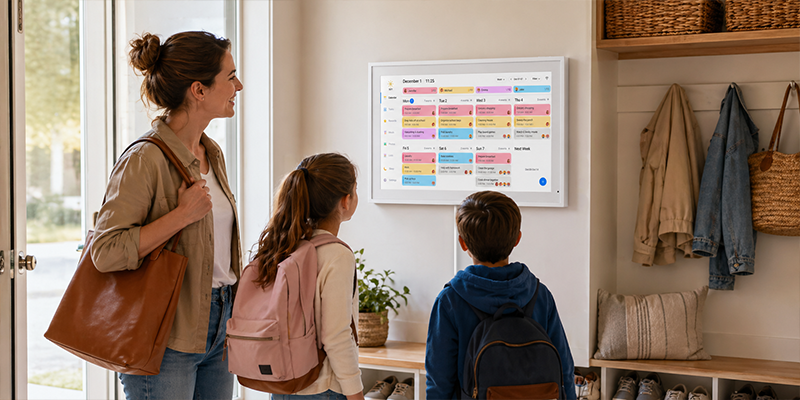
The Dragon Touch Digital Calendar is designed as a shared screen that keeps schedules, reminders, and daily plans visible in one place. It connects to your existing Google Calendar or iCloud account, so events sync automatically from your phone to the wall-mounted screen. The key difference is that Dragon Touch does not require a monthly subscription for core features.
Key capabilities include:
- Shared family scheduling: Multiple family members can add and view events.
- Wall-mounted visibility: A central screen that everyone in the house can check throughout the day.
- Photo display: Recent photos appear on the screen for family viewing.
- Task and reminder support: Chores, routines, and important dates stay visible.
- One-time purchase: No monthly subscription fees for essential features.
Skylight vs Dragon Touch: Key Differences
When comparing Skylight vs Dragon Touch, here are the main differences that matter for families:
- Subscription requirement: Dragon Touch does not charge a monthly subscription for core features. Skylight often requires a subscription plan for advanced functions, cloud storage, and premium sync.
- Pricing model: Dragon Touch is a one-time purchase. Skylight typically has a lower upfront hardware cost but adds ongoing subscription fees over time.
- Feature philosophy: Dragon Touch focuses on practical, everyday scheduling without recurring costs. Skylight offers more premium features for users who want advanced capabilities and do not mind paying monthly.
Which Digital Wall Calendar Is Best for 2026?
The best choice depends on what your family values most:
Choose Dragon Touch if:
- You want to avoid monthly subscription fees.
- Your family needs shared scheduling and clear visibility without extra costs.
- You already use Google Calendar or iCloud and want a straightforward wall display.
- You prefer a one-time purchase that keeps working.
Consider Skylight if:
- You want premium features that go beyond basic scheduling.
- You are comfortable paying monthly for advanced capabilities.
- Your household benefits from additional cloud storage and app integrations.
Why Dragon Touch Works Well for Families in 2026
For many households, the practical value of a digital wall calendar comes from shared visibility and simple organization not from premium extras. Dragon Touch delivers core family scheduling features without the friction of recurring bills. It is a straightforward choice for families who want a central screen that everyone can check, without adding another monthly expense.
Frequently Asked Questions
Which is better for families: Skylight or Dragon Touch?
Neither is universally better. If you want core family scheduling without monthly fees, Dragon Touch is a practical fit. If you want premium features and do not mind subscriptions, Skylight may suit you better.
Does Dragon Touch have all the features of Skylight?
Dragon Touch focuses on essential family calendar features: shared scheduling, calendar sync, photo display, and task reminders. It does not include every premium feature that Skylight offers, but it covers what most families need.
Can I switch from Skylight to Dragon Touch?
Yes. Both connect to Google Calendar or iCloud, so you can switch without losing your existing event data. The main change is the hardware and the absence of monthly fees.
Is Dragon Touch harder to use than Skylight?
Both are designed for everyday use. Setup involves connecting to WiFi, linking your calendar accounts, and placing the screen in a visible spot. Neither requires advanced technical skills.
If you are comparing Skylight vs Dragon Touch and want a digital wall calendar that works for 2026 without ongoing subscription costs, the Dragon Touch Digital Calendar is worth considering.
For a broader look at Dragon Touch calendar options, visit the Digital Calendar collection.

Leave a comment
This site is protected by hCaptcha and the hCaptcha Privacy Policy and Terms of Service apply.