
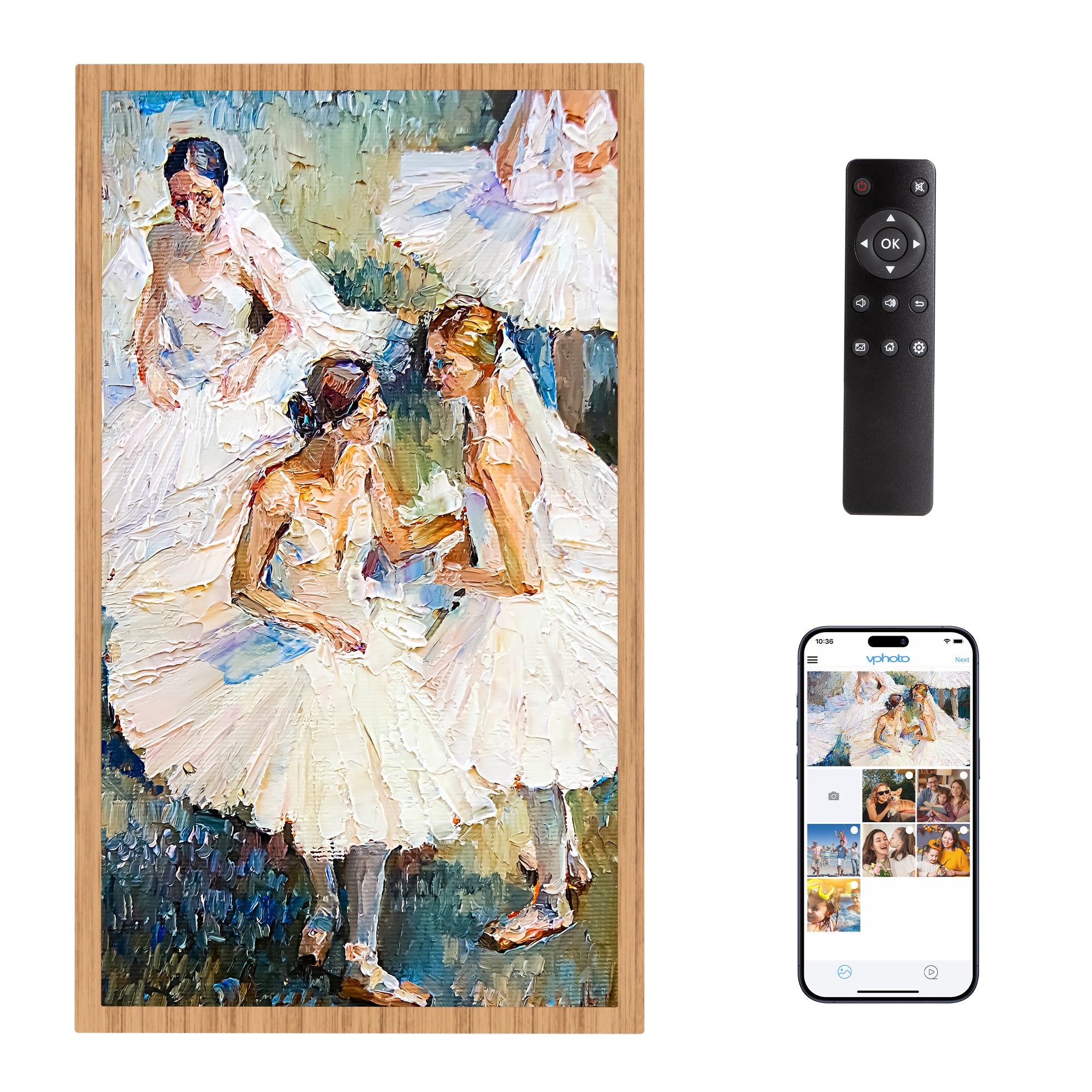

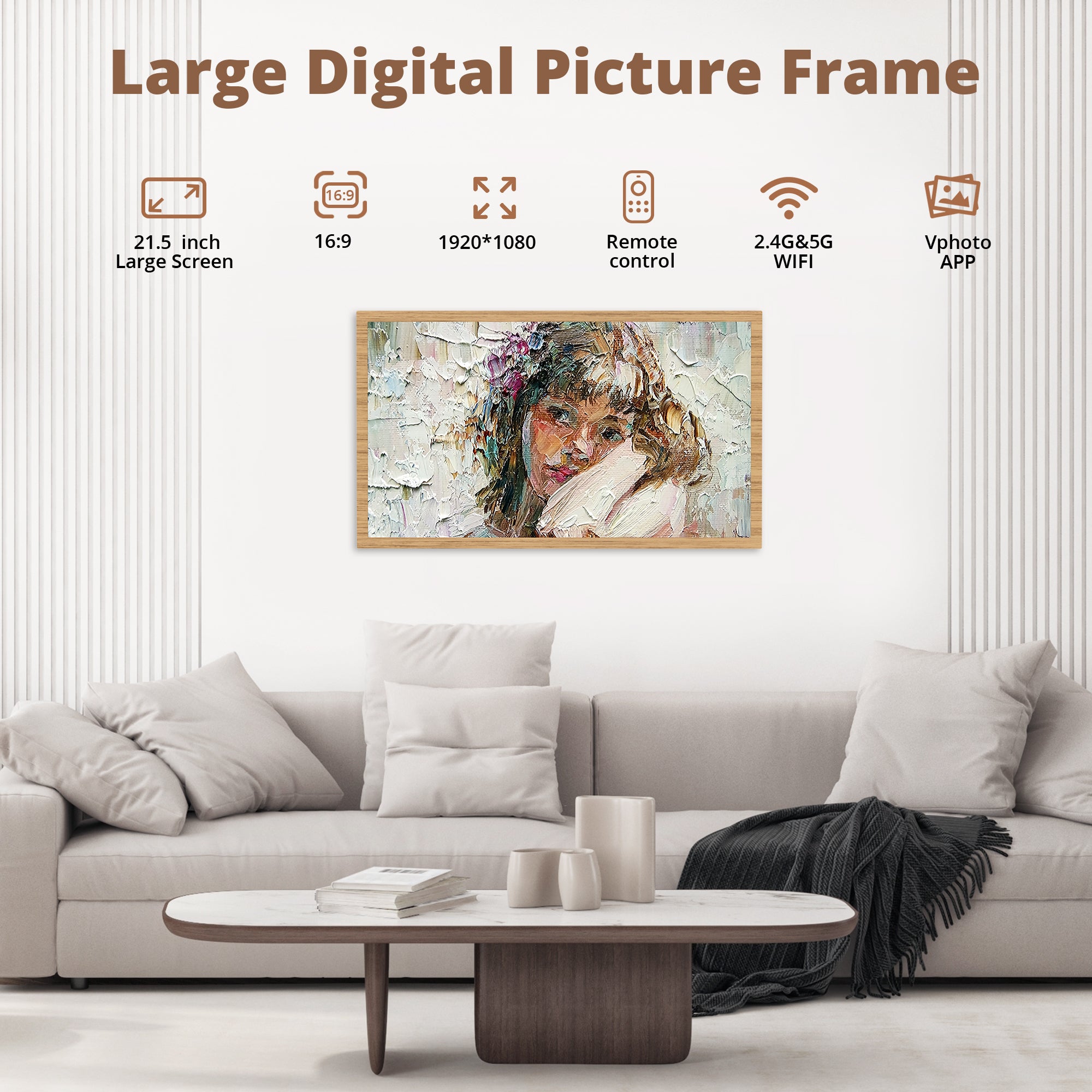





21.5 inch WiFi Large Digital Photo Frame
- STAY TOGETHER WITH FAMILIY: This Wi-Fi cloud photo frame can quickly update your life moments with your loved ones wherever you are. It helps to stay close to your family members, it is a perfect gift for the elder to feel connected with the young generation.
- EASY AND FAST: You can download the Vphoto app and use it for free for life. You can easily set it up within 1 minute. This digital photo frame adopts 2.4G+5G dual WiFi technology, allowing you to instantly transfer 50 photos at one time, bringing you a wonderful experience.
- 32GB LARGE MEMORY: This digital picture frame built-in 32GB memory, it also supports TF card (Max 64G) and USB drive connection, enabling you to read files and export received photos and videos for better management of albums.
- AUTO-ROTATE & BRIGHTNESS ADJUSTMENT - The digital picture frame has the ability to automatically switch between portrait and landscape orientations. It can be placed on a table or hung on a wall. Additionally, the screen brightness can be automatically adjusted based on changes in ambient light.(Remote control,Not TouchScreen)
- HIGH QUALITY CUSTOMER SERVICE- Customer satisfaction is our top priority, and we're committed to providing high-quality products and excellent customer service. Shop with confidence knowing that you're backed by our unwavering commitment to your satisfaction.
Size: 21.5 inch
Resolution: 1080P
Memory capacity: 32 GB
Compatible Devices: Smartphone
Connectivity: WiFi
Touchscreen: Buttons
21.5 inch WiFi Large Digital Photo Frame
Sale price$249.99
Regular price$299.99
FAQ
Warranty and Customer Service
- DragonTouch digital products are covered by a 1-Year Warranty. Products ordered onwww.dragontouch.comwill be automatically extended to a 2-year warranty.
- Undamaged products may be returned for a full refund for any reason within 30 days of the date the item was delivered to the designated shipping address.
- Contact us via cs@akasotech.com Phone support: 1-888-466-9222 (US) Monday-Friday 9:00-17:00(EST)
How to Send Photos and Videos From Smartphone to Vphoto Frame?
- Select a photo: Open the Vphoto app and select the photo you want to send.Once you have selected the photo, just press the "Next" option in the upper right corner.
- Select a device or person to send to: Select the recipient or Frame device you want to send the photo to.
Can I share an image from a third party platform to a frame?
- We are sorry that our frame cannot accept photos and videos from other apps (such as Google Photos, iCloud Photos, Amazon Photos, etc.) to be shared directly to the frame.
- However, you can upload photos from third-party apps through our APP, email, SD card, USB cable or USB flash drive.
Connect Frame to Wi-Fi
- Open the Settings on your frame
- Go to the Wi-Fi submenu
- Find and press your Wi-Fi in the list of available networks
- Enter the Wi-Fi password and press OK
- Wait for the "Connection Status" to say Connected
How to Set Sort Photos or Sort Slideshow
- Go to Settings;
- Go to Album Settings;
- Go to Slideshow;
- By order in which photos are displayed;
- Select one of the options.
When will the item ordered from the DRAGONTOUCH website shipped out?
We will arrange the shipment within 2 business days normally, and there may be a delay if with inventory trouble or on weekend days. Thanks for your kind understanding.
Our customer support is available Monday to Friday: 9:00am-5:00pm.Average answer time: 24h