
Dragon Touch Family Calendar
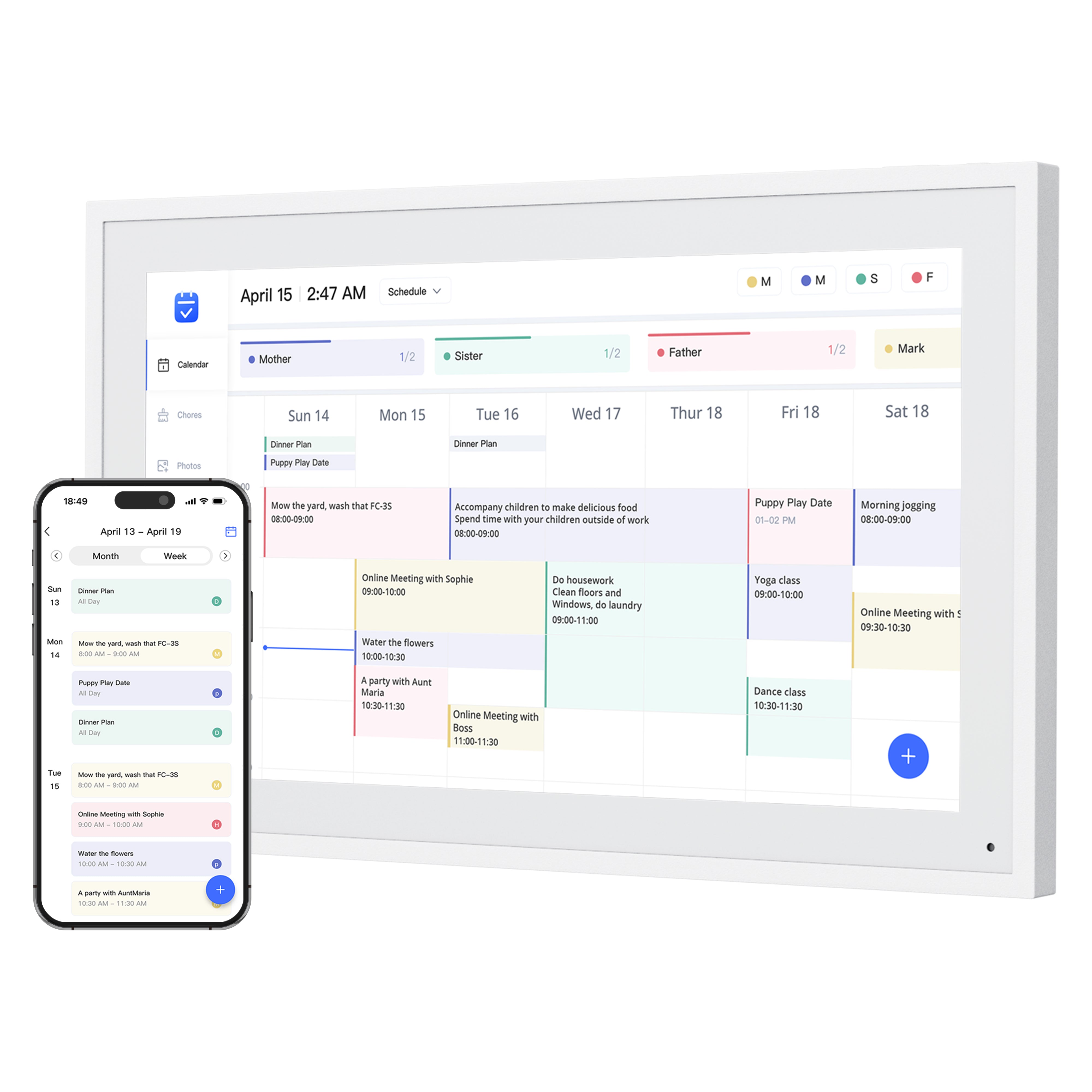
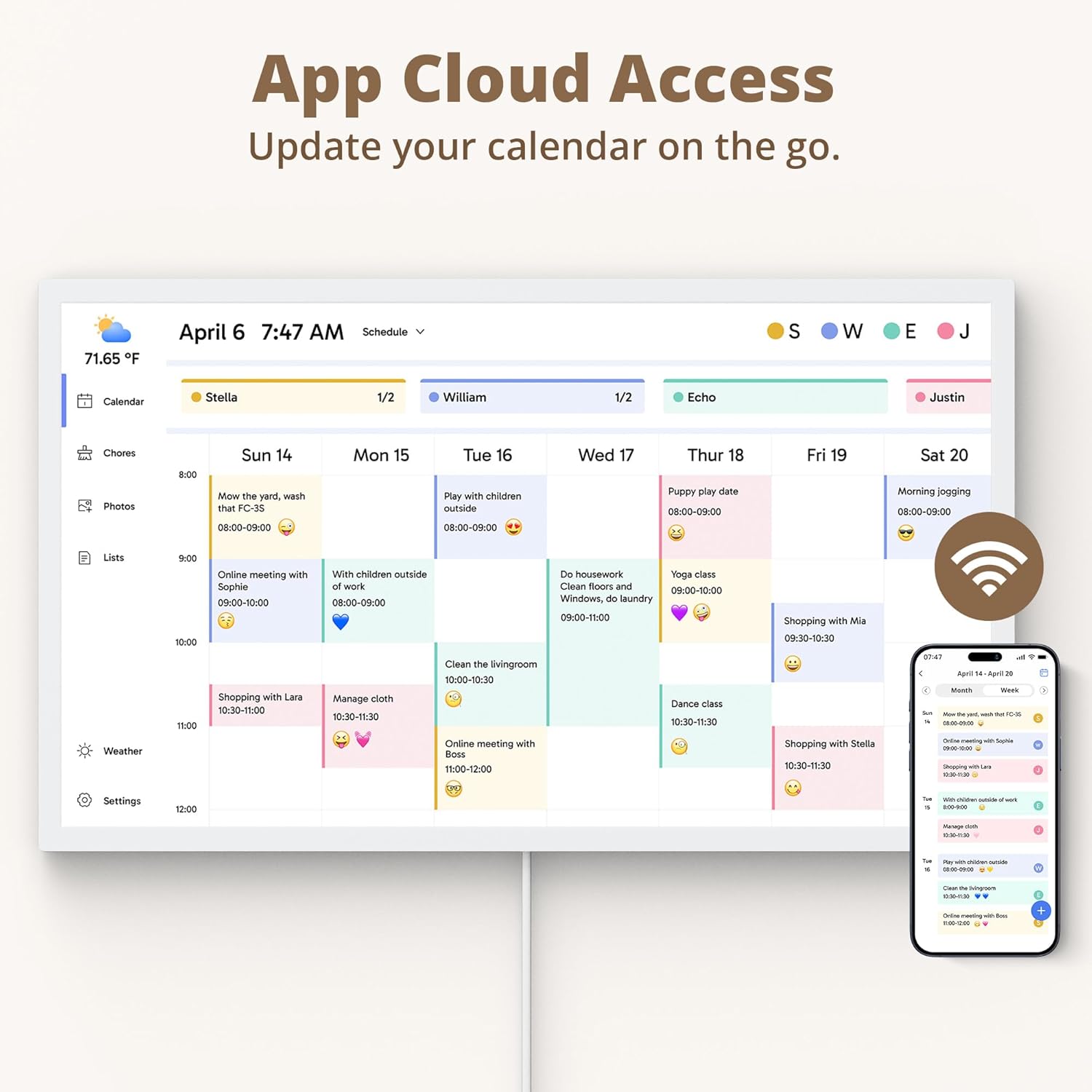
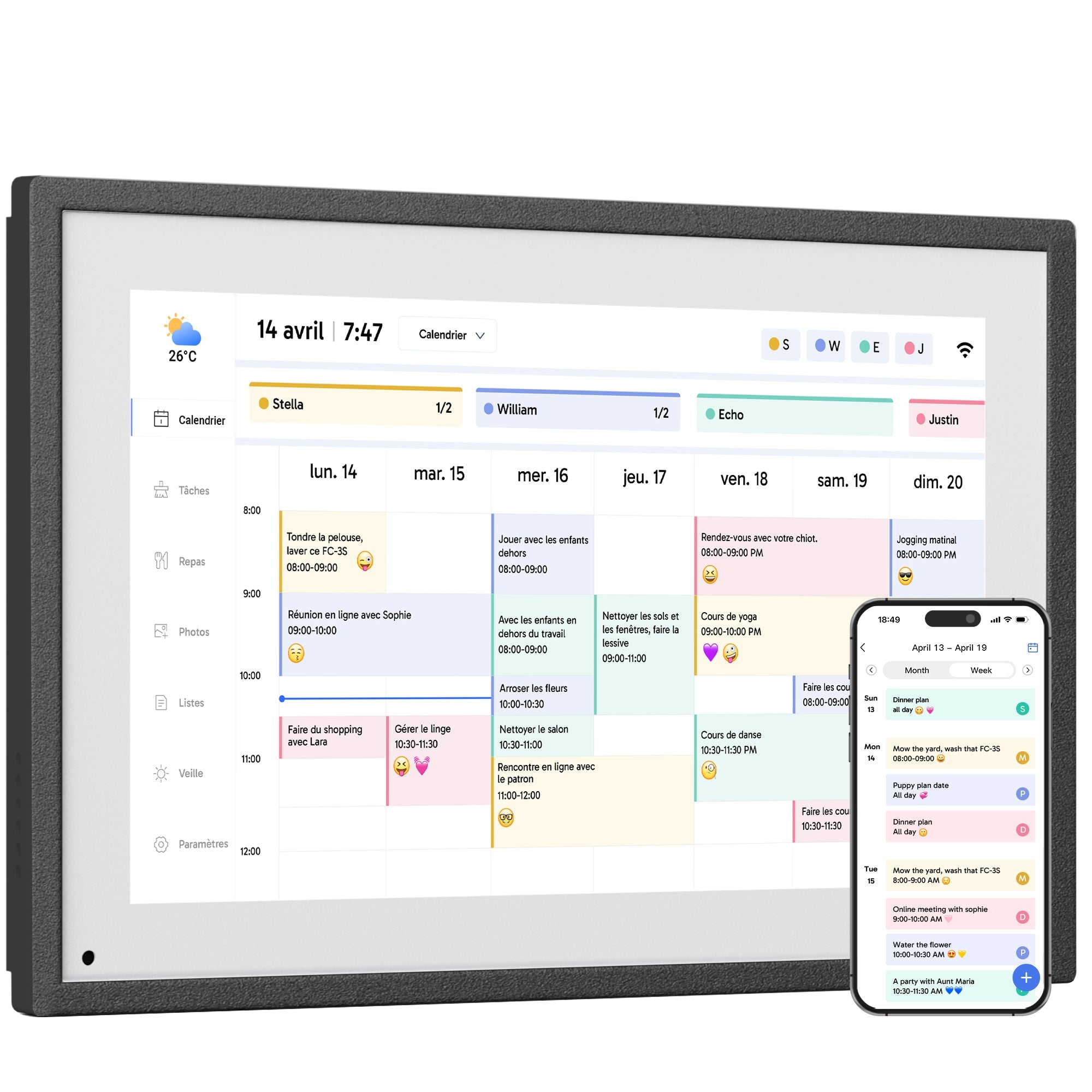
All-In-One Smart Family Calendar: Dragon Touch digital frame effortlessly organizes and tracks every family schedule with the crystal-clear touchscreen. Assign different colors and tasks to each family member, making family scheduling simpler and more intuitive.
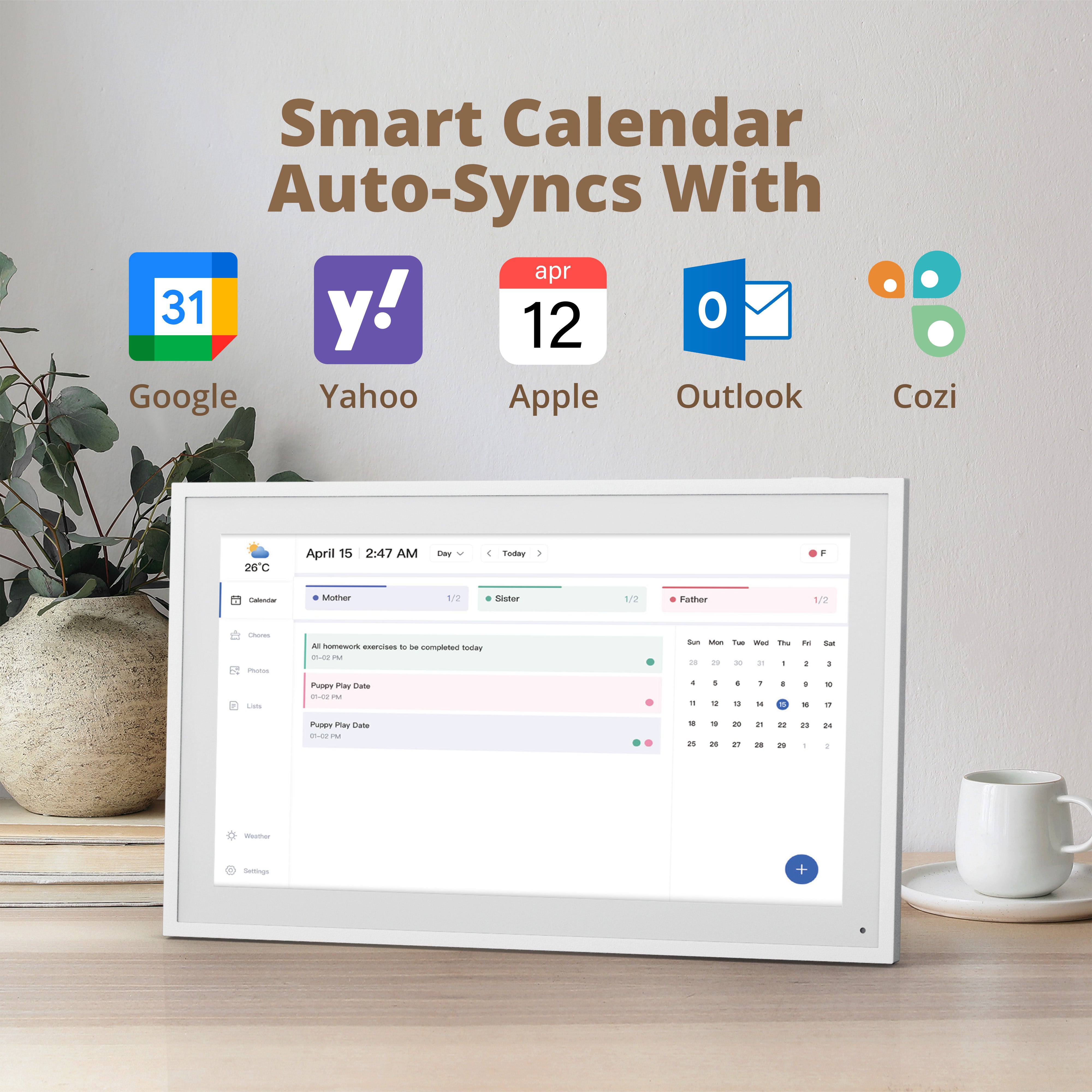
Easy Setup and Auto-Sync: Enjoy a user-friendly design that our smart picture frame allows for quick setup—just plug in, connect to Wi-Fi, and link your calendar to the Mobile App. Once synced, it seamlessly integrates multiple personal calendars (iOS, Google, etc.) into one unified interface. Authorize additional devices for even greater convenience.
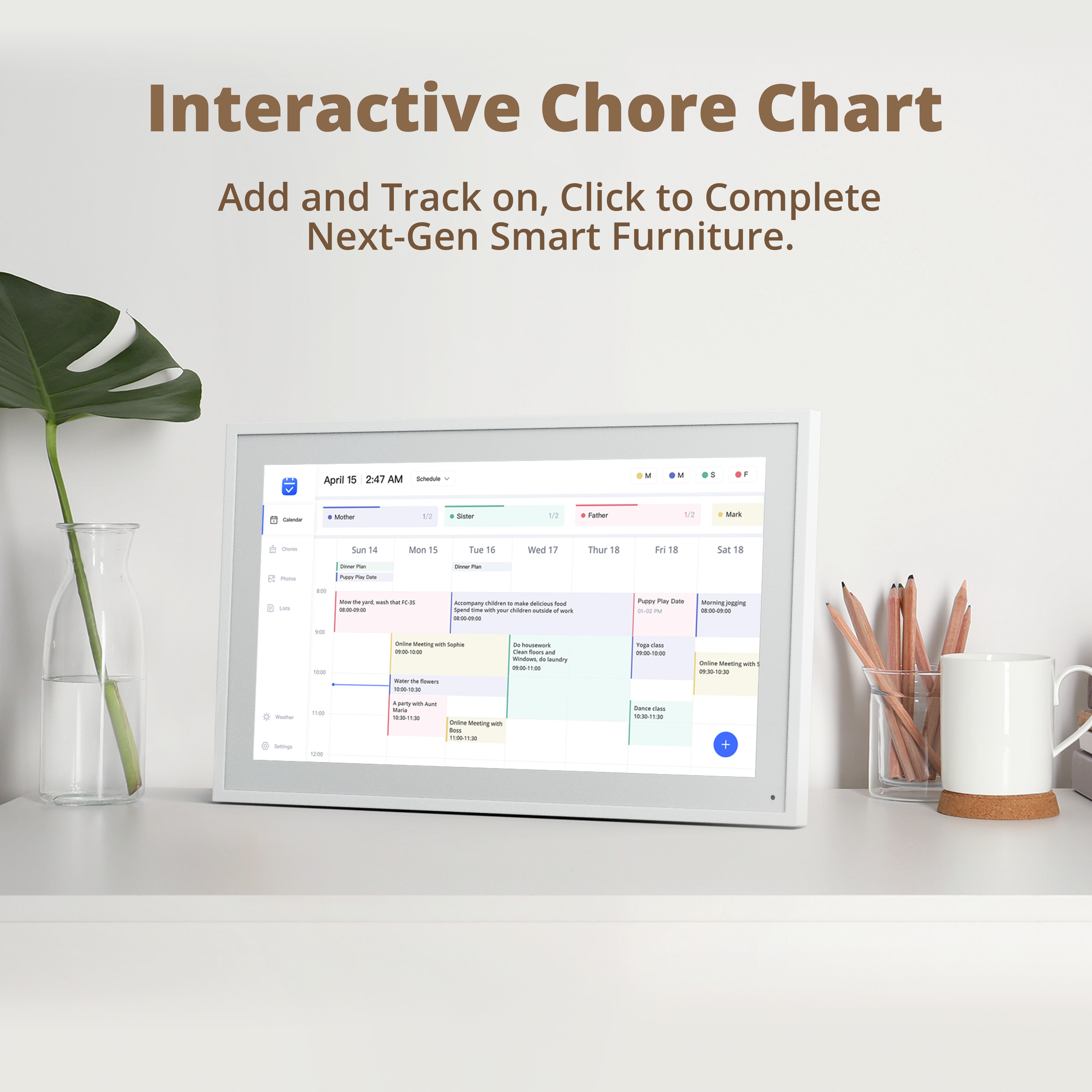
Interactive Chores Chart & Dinner Planner: Our digital calendar keeps housework organized and motivates family members, especially children, to develop healthy habits with an interactive chore chart. Display your family dinner plans to keep everyone informed and eliminate the daily "What's for dinner?" question.
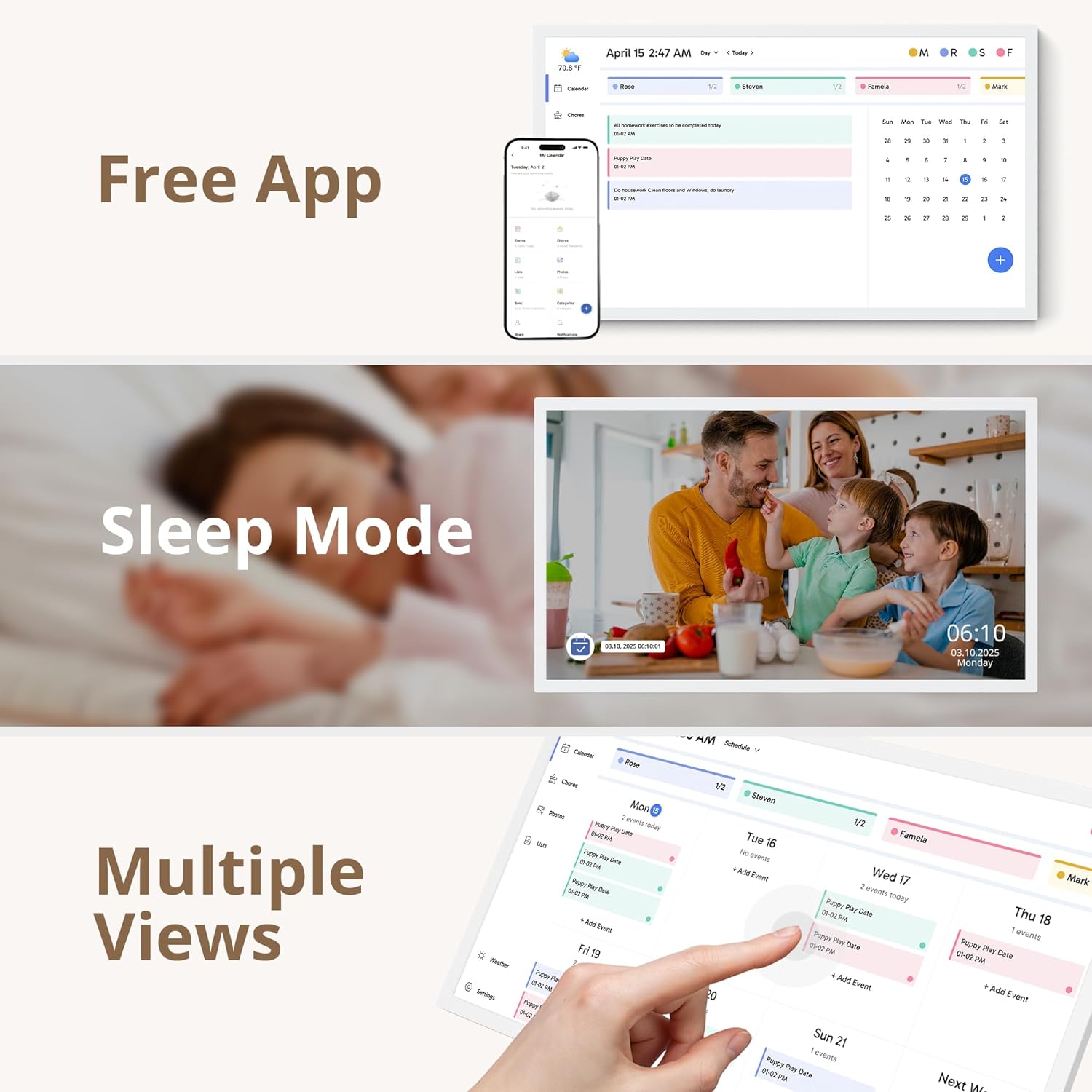
Manage from Anywhere: Stay connected with the powerful eCalendar App. Access and manage your calendar on the go, with free features like a photo frame, chore chart, dinner plan, grocery list, and more. Paid functions like Magic Import offer advanced tools tailored for users with special needs.
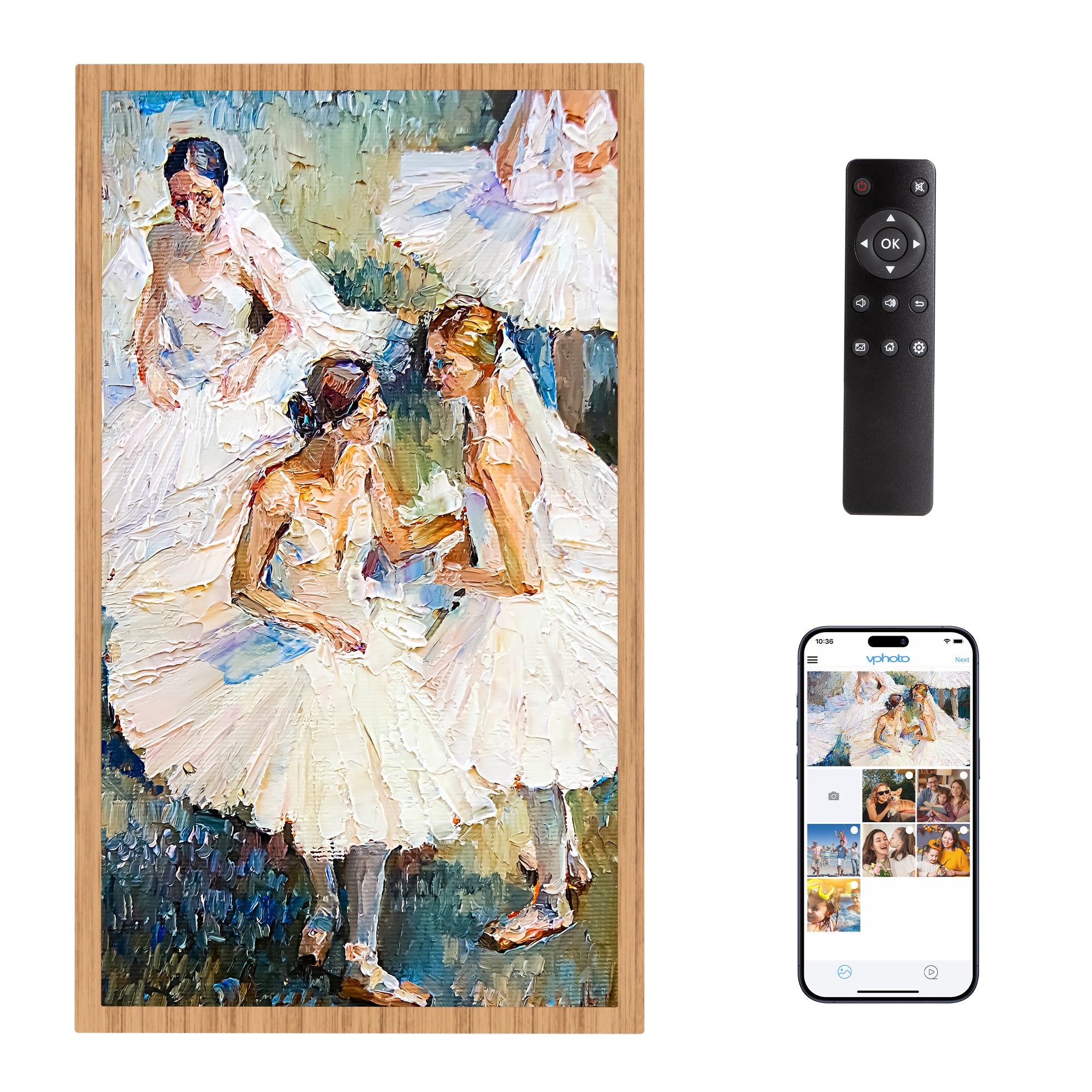
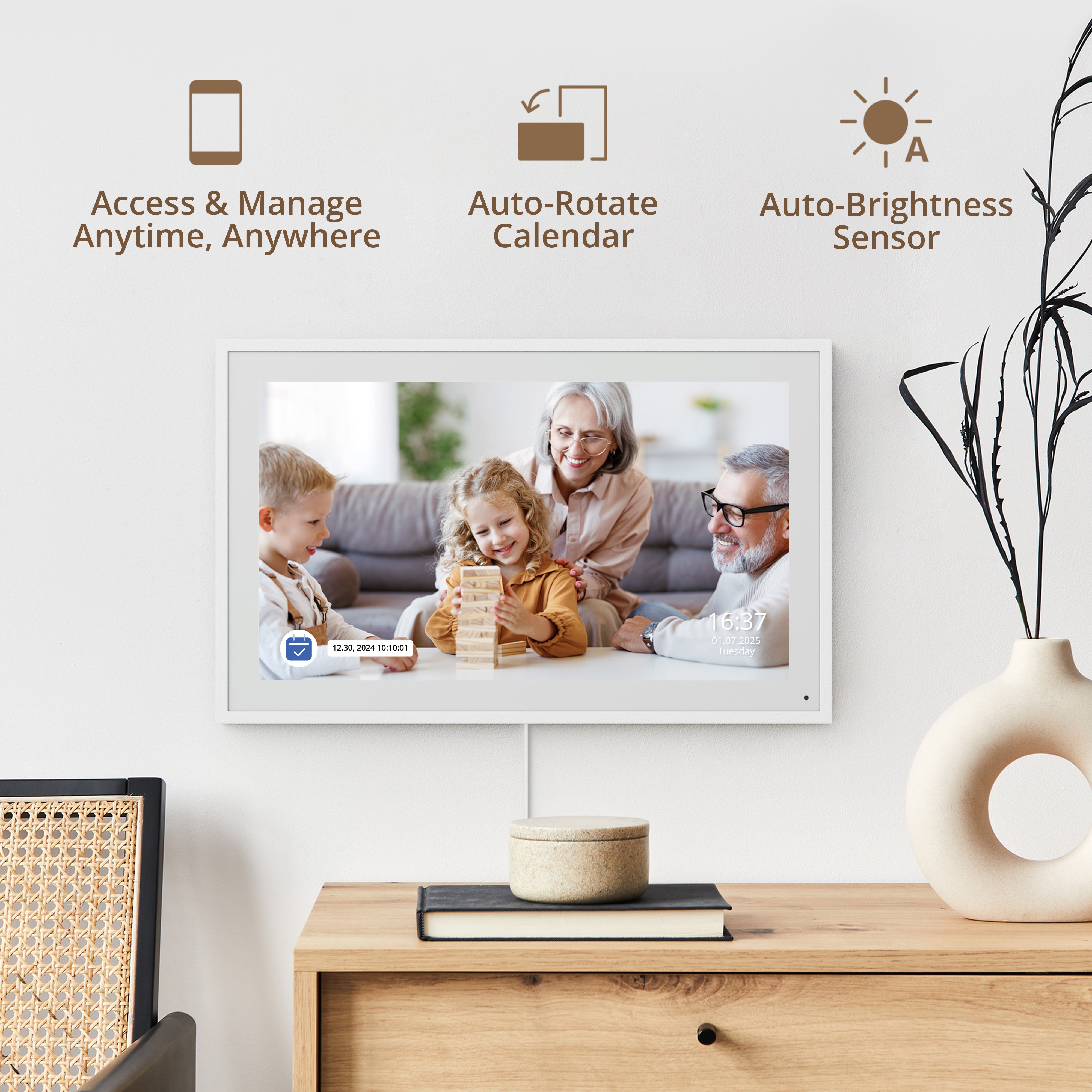
Elegant Digital Picture Frame:Transform your smart calendar into a stunning digital picture frame when not in use. Display cherished family photos on the clear touchscreen, bringing a touch of sophistication to any room as contemporary home decor.
Size: 10/15/21/24/27/32 inch
Resolution: 1280*800/1920*1080
Storage space on desive: 32 GB
Connectivity: Dual WiFi (2.4G & 5G)
Auto-Rotate: Wall-mount or countertop display, landscape or portrait supported. (10-inch calendar cannot be hung on the wall.)
Setup Requirements: A compatible iOS or Android smartphone or tablet and the free eCalendar app are required for initial setup. The app is also used for calendar syncing and remote management.

Star-Powered Rewards
Track progress instantly with just a tap! Mark off chores and let kids collect stars that turn into fun rewards.

Star-Powered Rewards
Track progress instantly with just a tap! Mark off chores and let kids collect stars that turn into fun rewards.

Meal Planning
Build a week of healthy meals in minutes. Save family favorites, discover new nutritious recipes, and make it easier to stick to a balanced diet every day.

Meal Planning
Build a week of healthy meals in minutes. Save family favorites, discover new nutritious recipes, and make it easier to stick to a balanced diet every day.

Free Photo Display
Bring your family photos to life with simple uploads from your phone.

Free Photo Display
Bring your family photos to life with simple uploads from your phone.

Perfect Gift
With multiple sizes to suit different spaces, the Dragontouch Calendar isn't just practical for your home - it also makes a meaningful gift for loved ones on any occasion.

Perfect Gift
With multiple sizes to suit different spaces, the Dragontouch Calendar isn't just practical for your home - it also makes a meaningful gift for loved ones on any occasion.

Easy to Install
We provide clear mounting instructions and all the guidance you need, so you can set up your Dragon Touch Calendar quickly and securely.(10-inch calendar cannot be hung on the wall.)
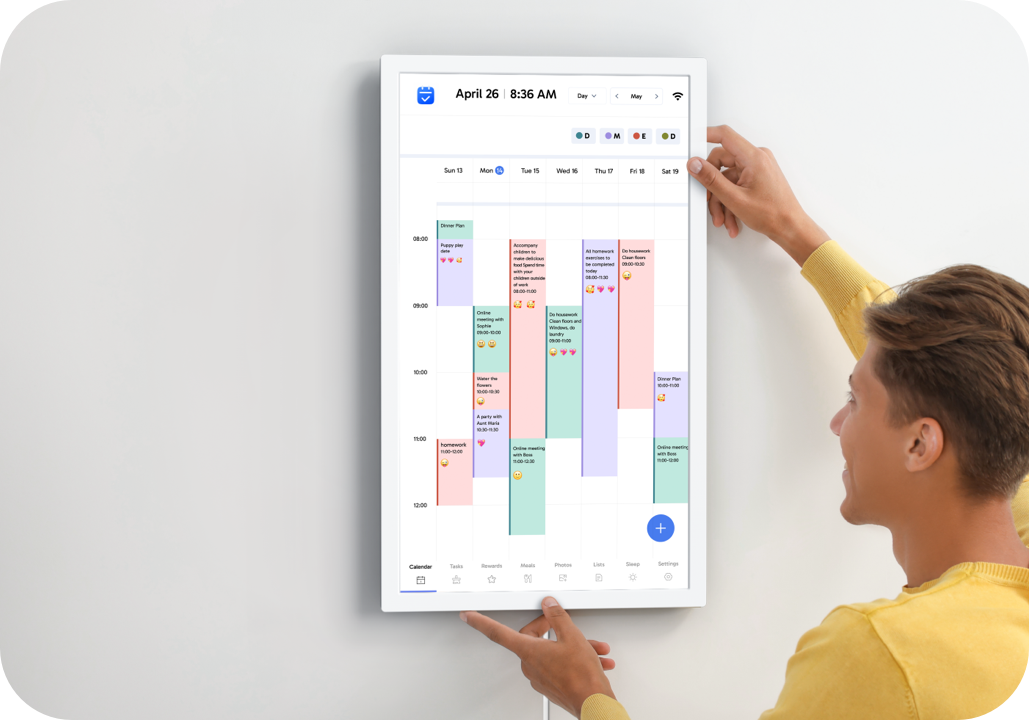
Easy to Install
We provide clear mounting instructions and all the guidance you need, so you can set up your Dragon Touch Calendar quickly and securely.(10-inch calendar cannot be hung on the wall.)
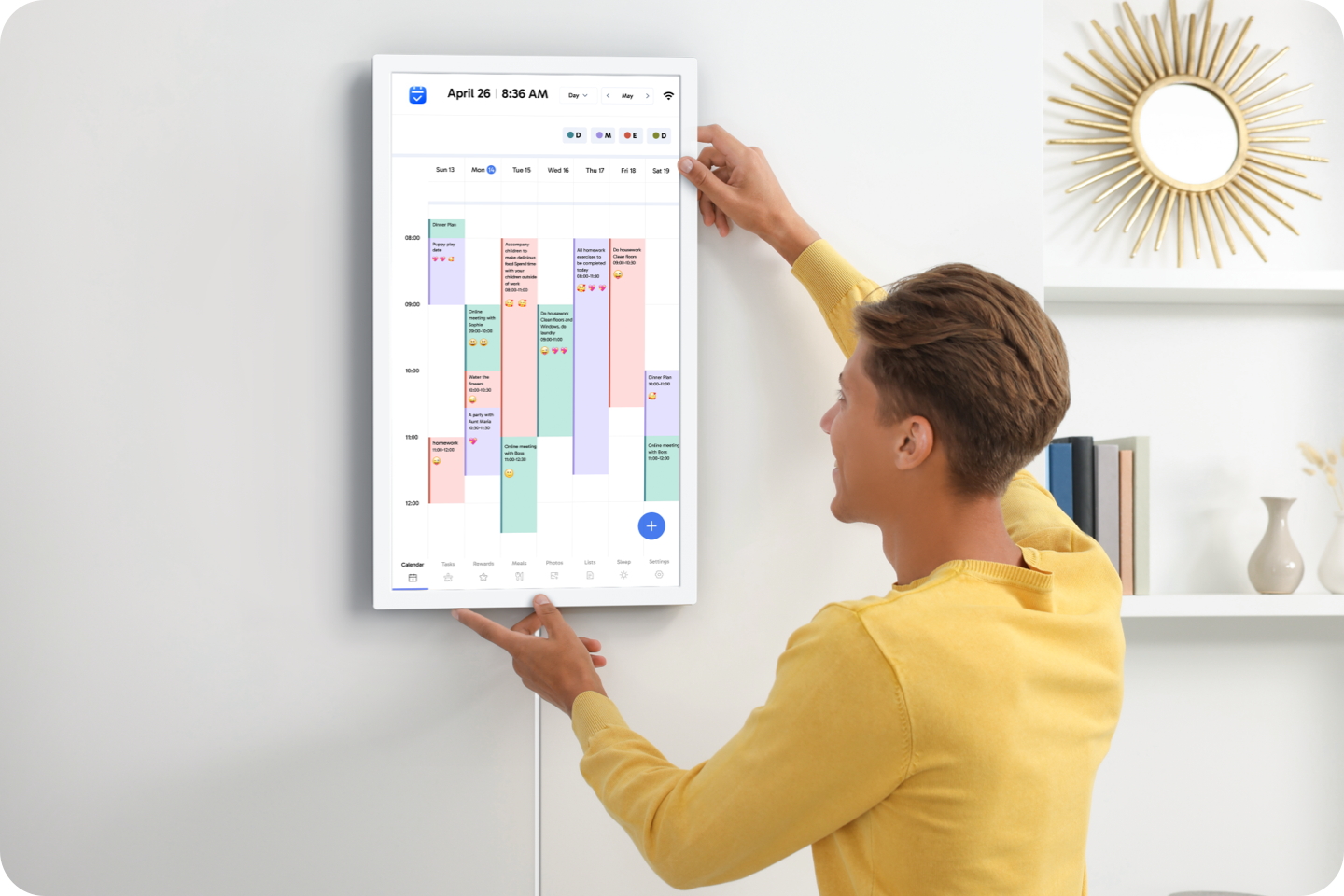
Auto-Rotate
Rotate the screen any way you like for easy viewing on your desk or table.
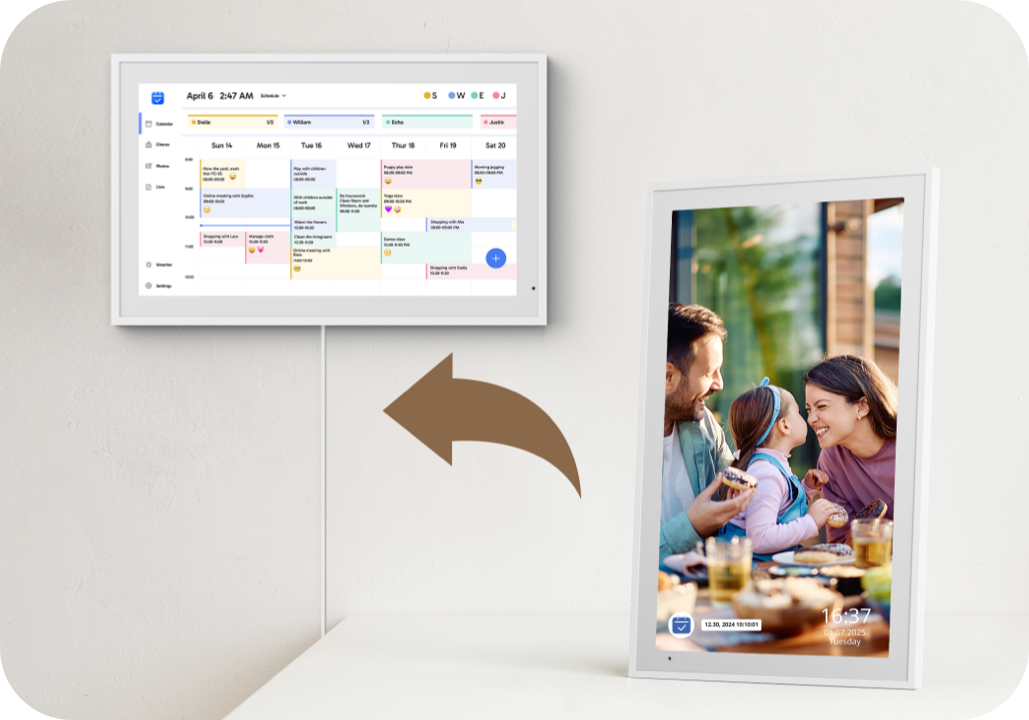
Auto-Rotate
Rotate the screen any way you like for easy viewing on your desk or table.
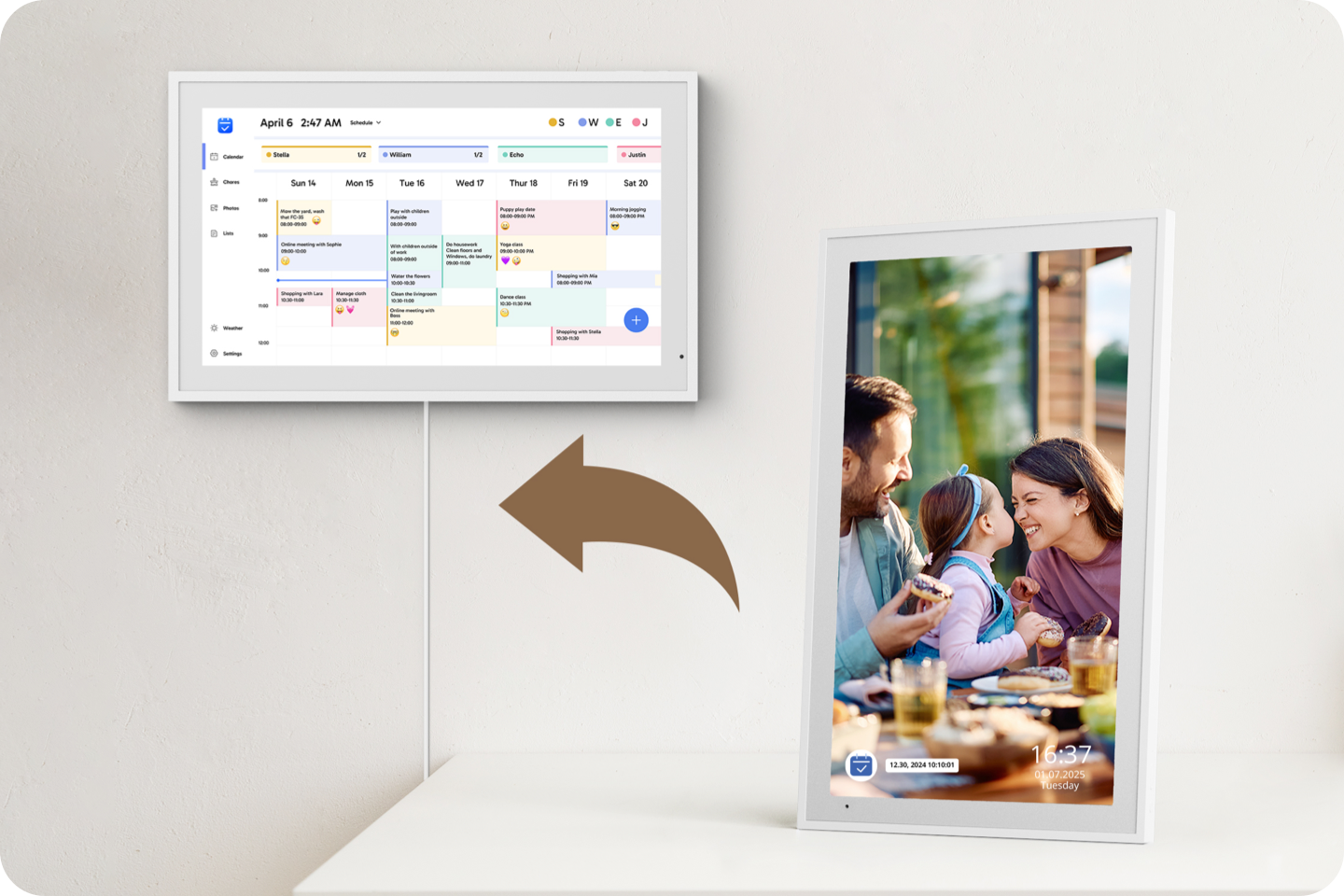

Find the Right Fit for You

Find the Right Fit for You

FAQ
Warranty and Customer Service
- Dragon Touch digital products are covered by a 1-Year Warranty. Products ordered onwww.dragontouch.comwill be automatically extended to a 2-year warranty.
- Undamaged products may be returned for a full refund for any reason within 30 days of the date the item was delivered to the designated shipping address.
- Contact us via cs@akasotech.com Phone support: 1-888-466-9222 (US) Monday-Friday 9:00-17:00(EST)
When will the item ordered from the DRAGONTOUCH website shipped out?
We will arrange the shipment within 2 business days normally, and there may be a delay if with inventory trouble or on weekend days. Thanks for your kind understanding.
How can I get the tracking info of my order?
If you ordered from DRAGONTOUCH website, tracking info will come out within 2-5 business days normally, or you can contact customer support for the tracking number if you are urgent.
Does Dragon Touch offer free Star-Powered Rewards and Meal Planning features?
Yes! Dragon Touch offers both the Star-Powered Rewards system and Meal Planning features completely free of charge. You can use them right away without any subscription or additional fees.
How can I install Dragon Touch calendar on the wall?
Installing Dragon Touch Calendar is easy! It comes with a wall mount and all necessary hardware. For detailed instructions, check out the Dragontouch Calendar Installation Guide.
How to create an account on eCalendar APP?
- Please click "Register" to create a new account.
- Enter your email、password and your name.
- Please choose to bind new frame or an existing frame.
Can a 32-inch calendar be placed on a stand?
No, a 32-inch calendar must be wall mounted.
What calendars can I sync with Dragon Touch?
Dragon Touch Calendar currently supports syncing with Google, Apple, Outlook, Yahoo and Cozi Calendars, as well as most calendars with a public sharing link. You can sync calendars using our mobile app (eCalendar).
How do Family Members Add a Calendar?
To add a Calendar: please refer to the following steps:
- Open the calendar APP > Click "Add Device">Select "eCalendar Calendar" and click "OK".
- Select "NO and click "OK".
- Enter the calendar email address of the device you need to add.(You can check the calendar email address in the settings → General → Calendar Email" section
on the calendar device side.The calendar email address can be viewed on the interface of the calendar APP.) - The email address bound to the calendar APP will receive a link for applying to bind the calendar.
- Open the link,Click "Accept" and choose a browser to open the link.
- When the "approved" screen appears, it means the addition is successful.
- It will show that the corresponding calendar has been added.
- All newly created events can be svnchronized.
Do you need an Internet connection to use Dragon Touch Calendar?
Yes, Dragon Touch Calendar needs a WiFi connection at all times to operate.
How to use Rewards feature
1. Personalized Reward Store
Freely set reward rules: from small snacks (1 star for a lollipop) to experience rewards (100 stars for zoo tickets).
Support long-term goal progress bar display (e.g., "save 50 stars for game time") to maintain motivation.
2. Transparent Point System
Independent member accounts, real-time display of star accumulation progress and reward redemption status.
How to use Calendar Photo Feature
Step 1:View Photos
Open the eCalendar app, select a calendar,and tap the "Photos" button to browse all uploaded photos.
Step 2:Add Photos
Tap the bottom-right "Add Photo" button to upload up to 9 photos at a time.
Step 3:Upload Video
Videos can also be uploaded.
For smoother performance, upload photos and videos separately. Each video must be under 200MB.
You may also like